TreeSolid Systems GmbH TreeSolid Systems GmbH · Oberkrämer, Germany
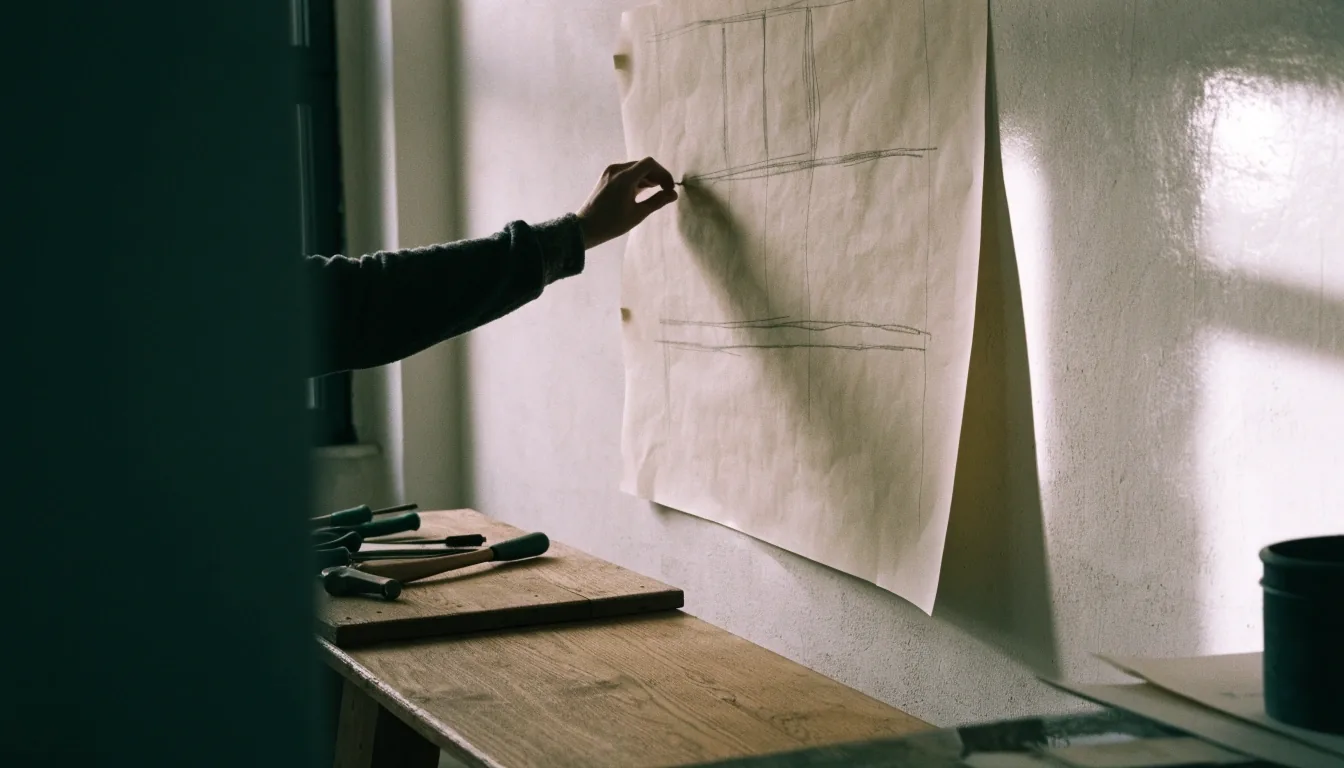
A hand pinning a large process sheet to a pale workshop wall with an oak bench below

TreeSolid Systems GmbH — Oberkrämer, Germany

Processes drawn true, then built to run.

Software development for German business processes. We design digital applications, automate business processes, and connect systems that currently work apart from each other — for mid-sized firms and larger organisations that need practical software, not presentation material.

Based at Am Siebgraben 14, 16727 Oberkrämer. Enquiries: [email protected]

Why the process comes first

Many projects fail before coding starts

A task moves between email, a spreadsheet, and a legacy system, and nobody can say where a decision is made. We start by modelling that path in BPMN, the standard notation for business process modelling. The diagram becomes a shared reference for management, users, and developers. When the model is true, later build decisions are easier to defend — and easier to test.

Software development for the Mittelstand

Built around the systems you already run

German Mittelstand companies often run on a mix of ERP, CRM, accounting tools, and departmental software. That mix works until volume grows or a key employee leaves. Custom applications can fill the gaps between those systems without replacing them. We build web and desktop applications, internal tools, and customer-facing services around existing data — a system your team can operate in daily work, not a prototype for a slide deck.

Business process automation in plain terms

Defined steps move into software

Business process automation, or Geschäftsprozessautomatisierung, means moving defined steps from manual handling into software: checking incoming documents, creating a record in two systems, sending a task to the next responsible person. Automation does not remove human judgement. It removes repeated copying, searching, and chasing that consumes staff time. We assess which steps are stable enough to automate and which still need a person to decide.

Hands tracing a workflow sheet on an oak bench with a pen and cables beside it

Workflow automation and RPA, compared

Two tools, different problems

Hands tracing a workflow sheet on the oak bench — modelling before automation.

Workflow automation controls a sequence of tasks across people and systems. Robotic Process Automation, or RPA, places a software bot in front of screens and repeats mouse and keyboard actions. The two approaches solve different problems and can be combined.

Workflow tools are stronger for approvals and data flow. RPA can help where a legacy system has no interface. We explain the choice before recommending either one, so the tool fits the process — not the other way round.

Ask about automation

Where our work fits

Three kinds of work, one bench

Read our services

Digital applications

A digital application is useful only when it fits the desk it lands on. We ask who opens the system at 8 a.m., what they need in the first three screens, and what happens when data is missing. A warehouse team needs speed and clear warnings. A finance team needs traceable entries and export formats. Design starts from those tasks, not from a template.

System integration

Systemintegration is often the real project. ERP and CRM systems hold the master data, but departments keep local files and special rules. We design Schnittstellen — APIs, file exchange, and database connections where they fit — with rules for missing fields, duplicates, and failed transfers, documented so support later is not guesswork.

IT consulting

Consulting is where we test whether a project should exist in its planned form. We review current systems, interfaces, data quality, and maintenance obligations. Sometimes the right answer is a configuration change. Sometimes an interface removes the need for new software. We state those options plainly, with cost and effort implications.

Legacy systems and modernisation

What can stay, what should change

Legacy systems are not automatically a problem. Some run a core process reliably for years and hold knowledge nobody wants to lose. The problem appears when reports take days, interfaces break, or a vendor no longer supports a component. We assess what can stay, what needs a new layer around it, and what should be retired. Modernisation in stages protects the business while new parts are introduced.

Low-code platforms such as Microsoft Power Platform — Power Apps, Power Automate, Power BI, and Copilot Studio — can produce internal tools quickly where the process is contained. Custom software becomes the better route when logic is complex, performance matters, or the tool must run for many years with tight control. We help clients draw that line early.

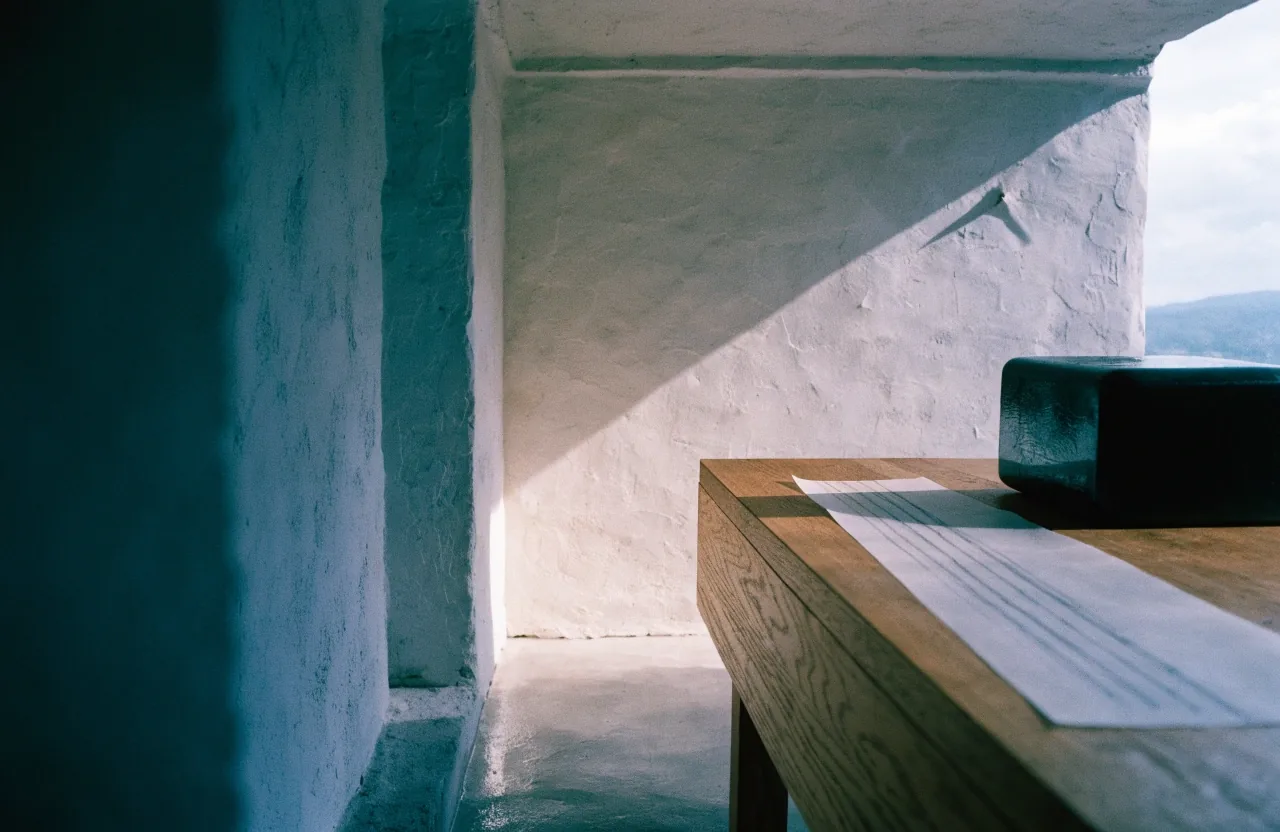
The workshop bench in low north light with the enamel block of a process sheet turned toward the camera

Process modelling with BPMN

A common language for the whole project

Prozessmodellierung gives a project a common language. A BPMN diagram shows tasks, roles, gateways for decisions, and connections between systems. It is more precise than a flowchart drawn for a meeting.

Future users can check whether their daily work matches the model. Developers can see where automation stops and manual action begins. We use the model again during testing, because a test case is easier to write from a diagram than from memory.

Drawn true. Then built to run.

That is the order we keep — model first, build second, test against the model.

Close crop of a traced enamel lane and signal token on a vellum sheet beside a hand and pen

The traced lane, up close: the path is checked before it is automated.

A consultant testing a workflow on a laptop at the oak bench beside a pinned process sheet

What a first project usually includes

From needs analysis to launch support

A typical engagement moves from needs analysis through design, implementation, testing, training, and launch support. Early workshops produce a scoped process model and a list of systems involved. Build work follows in iterations, so users can react to working screens rather than descriptions. Training and documentation close the gap between delivery and daily use.

Enterprise software in Germany often includes SAP systems and process tools such as SAP Signavio, which supports modelling and process analysis. We treat such platforms as part of the landscape, not as a default answer. The right tool depends on existing licences, data, and the skill your team wants to keep in house — you will not receive a platform recommendation without the reasoning behind it.

How to choose a starting point

Start with a process that is frequent, visible, and annoying

Invoice intake, customer enquiries, onboarding, and reporting are common first candidates in German businesses. A narrow first project proves value and teaches your team how changes are introduced. Broad automation across every department at once hides problems and strains support.

Some requests should not become software projects. If a spreadsheet and a shared folder solve the task, we say so. If data quality is too poor for automation, we explain what must be cleaned first. A smaller, correct step is worth more than a large system nobody trusts.

Questions we hear first

The short answers

More detail is on the FAQ page and the About Us page.

What does TreeSolid Systems GmbH do?

We develop custom software and digital applications, automate business processes, connect existing systems, and advise on IT decisions for businesses in Germany.

Where is the company based?

Our address is Am Siebgraben 14, 16727 Oberkrämer. Enquiries can be sent to [email protected].

Should we start with automation or custom software?

Start with the process. If defined steps repeat across systems, automation may be the answer. If the workflow itself is unclear, modelling and consulting come first.

Can you work with our existing ERP and CRM?

Yes. Integration work is a core part of our services, including APIs, file exchange, and connections to legacy systems.